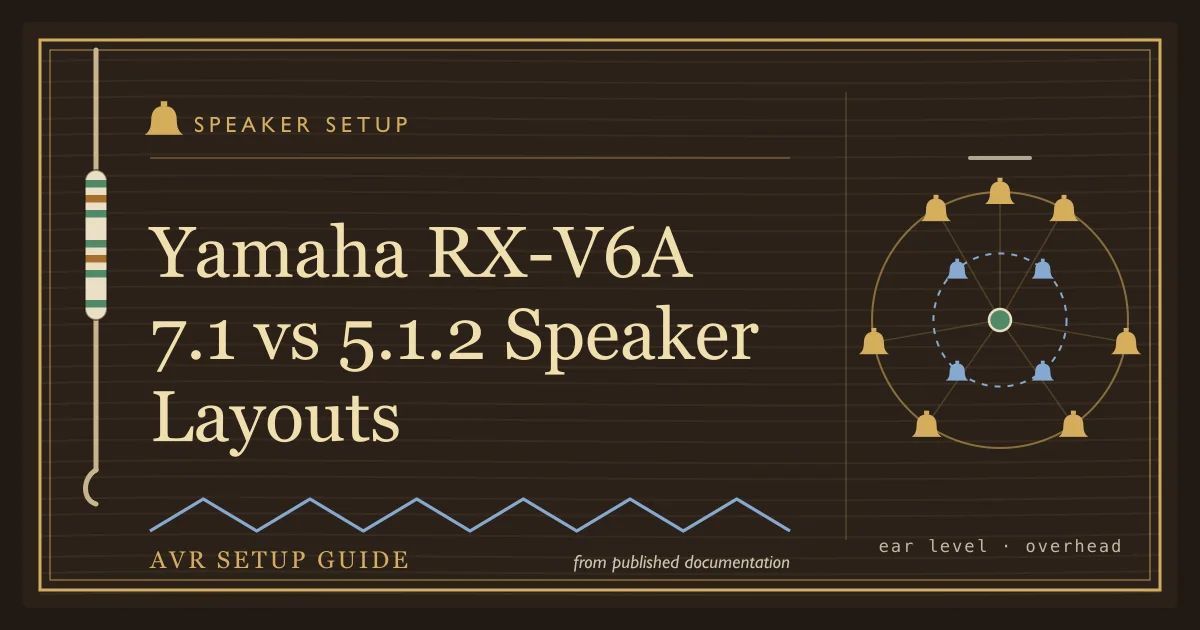
You can leave both the surround back pair and the front presence pair for Dolby Atmos connected to the Yamaha RX-V6A. At most one of those pairs plays at a time. The receiver switches automatically based on the input signal and CINEMA DSP 3D. Yamaha’s basic speaker layout
Which pair to add to a 5.1 system
The shared 5.1 base uses front left and right speakers, a center speaker, surround left and right speakers, and one subwoofer. Yamaha’s speaker roles · Channel counts
| Layout | Extra pair | What the extra pair plays |
|---|---|---|
| 7.1 | Surround back left and right | Surround back channels. Speaker roles · Speaker system table |
| 5.1.2 | Front presence left and right | Dolby Atmos or DTS:X height channels, or CINEMA DSP 3D effects. Speaker roles · 5.1.2 layout |
The receiver has seven internal amplifiers. Depending on your speaker setup, it accepts up to nine speakers plus up to two subwoofers with built-in amplifiers. Speaker requirements
Set Power Amp Assign for one room
For a standard single-room system, press SETUP on the remote and select Speaker → Power Amp Assign → Basic on the TV. Setup menu controls · Power Amp Assign options
The 7.1 +1Zone and 5.1.2 +1Zone options are for systems with speakers in an additional room. Yamaha’s zone assignment table
Match the front presence Layout to your speakers
If you use front presence speakers, press SETUP and open Speaker → Configuration → Layout. Choose the setting that matches your speakers. Setup menu controls · Layout menu
- Front Height for speakers on the front wall. Layout settings
- Overhead for ceiling-mounted speakers. Layout settings
- Dolby Enabled SP for Dolby Enabled speakers used as front presence speakers. Layout settings
If you use front presence speakers, set Layout before running YPAO. Front presence setup order · YPAO procedure
Check which speakers are active
During playback, press OPTION on the remote and open Audio Signal Information on the TV. Option menu controls · Audio signal menu
Read Channel Out for the number of output channels and the speaker terminals currently sending a signal. For example, 5.1.2 indicates standard 5.1 output plus two overhead channels. Use Format to identify the incoming audio format. Yamaha’s audio signal readouts
Evidence and limits
Yamaha’s English RX-V6A User Guide, published in March 2026, was checked on November 27, 2026. The setup steps were not tested on a receiver. RX-V6A User Guide


